Facilities teams can't be everywhere at once. Touchwork facilities issue reporting runs on XOP, turning every occupant, visitor and employee into an extra set of eyes. They scan a QR code or send a text, and your crew gets the issue, the location and the details they need to fix it on the first trip.
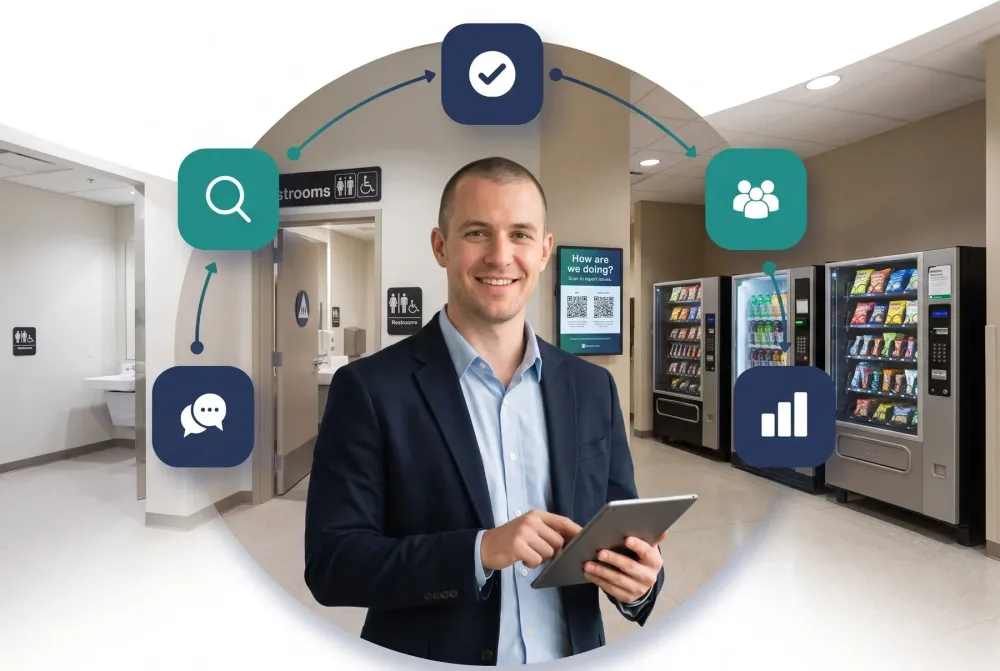
Phone calls, emails and hallway conversations make it hard to know what's been reported, who's handling it and how long it took. XOP gives every request a clear owner and a record, and connects requests with inspection data so you can see where problems keep coming back.
Tenant and resident requests.
Residence halls, classrooms and athletic facilities.
Patient rooms, common areas and visitor spaces.
Restrooms, gates, concourses and parking.
It turns every occupant, visitor and employee into an extra set of eyes. They scan a QR code or send a text, and your crew gets the issue, the location and the details needed to fix it on the first trip.
Common issues such as leaks, lighting, temperature or supplies. They can also add a photo.
Each request goes to the right crew or contractor automatically, using XOP Request™. Response time and completion are tracked with XOP Resolve™.
Every request gets a clear owner and a record, so you can see what has been reported, who is handling it and how long it took.
Yes. Inspection data from XOP Audit™ confirms fixes and shows where issues recur.